
Graphic Design Services

By Jonah Reed
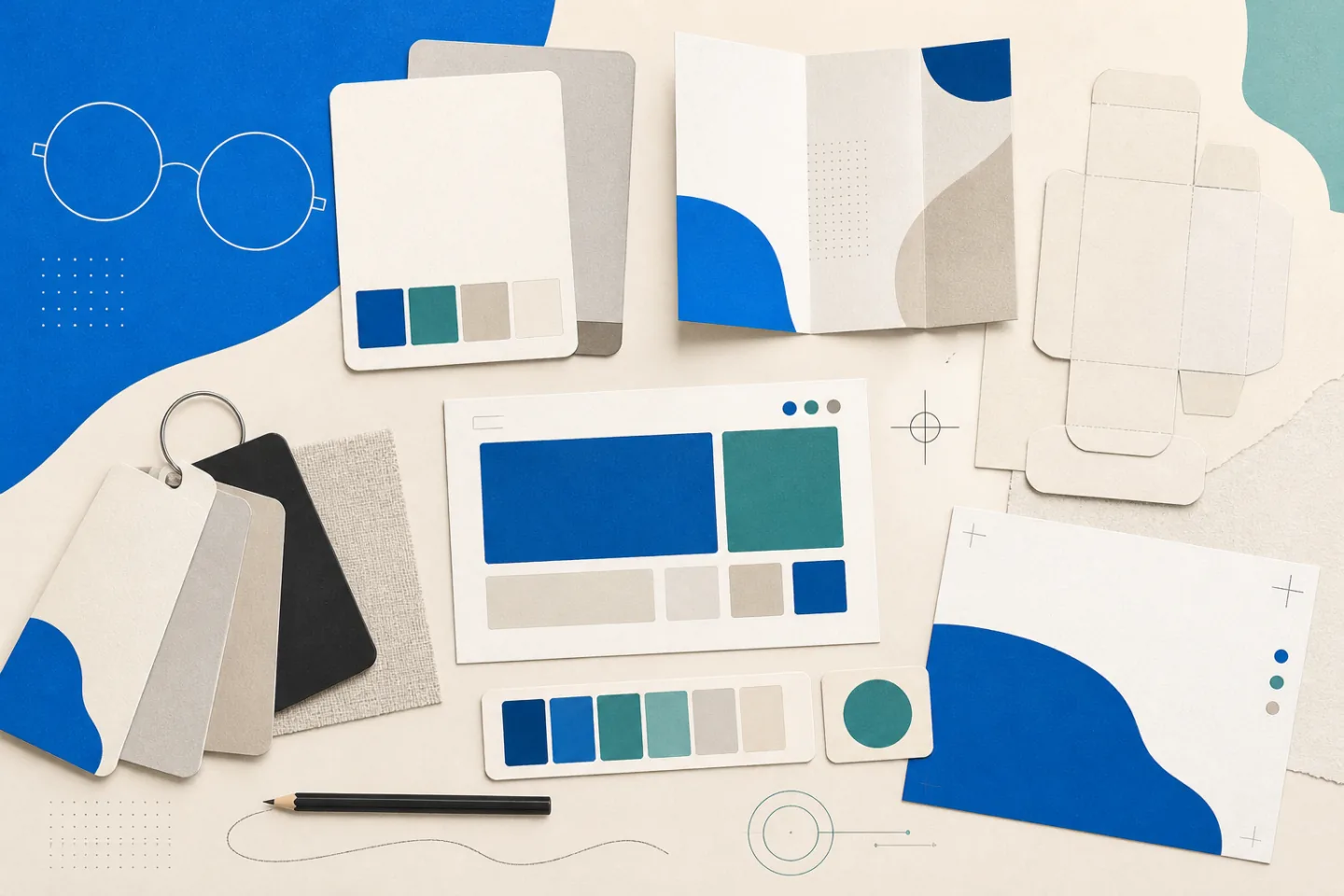
Graphic design services turn information into visual material that people can recognise, understand and use. The work may cover a brand identity, a brochure, product packaging, website graphics or a complete campaign. In each case, the designer must balance appearance with a practical purpose: explaining an offer, helping a reader find information or preparing artwork that another supplier can reproduce accurately.
The most useful way to choose a service is to start with the required outcome, not a preferred style. A clear objective helps define the deliverables, technical specifications and level of support needed. It also gives the client and designer a shared standard for judging the finished work.
What Graphic Design Services Cover
Visual communication design includes far more than arranging attractive images. It uses typography, colour, imagery, symbols and layout to organise information for a particular audience. A designer may create one item or develop a system that guides many items over time.
Logos and Visual Identity
A logo identifies an organisation, but a visual identity explains how that logo works with other elements. An identity system normally defines approved logo versions, colours, typefaces, image styles, icons and spacing rules. These decisions help separate deliberate variation from accidental inconsistency.
Logo files should suit their intended uses. Vector formats remain sharp when enlarged for signs or packaging, while common image formats are convenient for websites, presentations and social channels. Useful delivery packages often include horizontal and stacked arrangements, single-colour versions and guidance on minimum size and clear space.
Brand guidelines should be practical rather than decorative. They need examples showing correct use, common mistakes and enough detail for another designer, printer or employee to prepare routine material without guessing.
Print, Packaging and Signage
Print design can include brochures, leaflets, posters, sales sheets, stationery, catalogues and event material. The layout must support a clear reading order while meeting production requirements such as page size, folds, bleed, safe margins, image resolution and colour mode. The printer should confirm its specifications before final artwork is exported.
Packaging adds physical constraints. The designer works with an accurate dieline and keeps essential text away from seams, folds, glue areas and curved surfaces. Product names, variants, instructions, warnings and other required copy need a clear hierarchy. A physical proof can reveal problems with colour, finish, small type or barcode placement that are hard to judge on screen.
Signage requires similar discipline at a different scale. Viewing distance, lighting, installation method and the time available to read the message all affect type size and complexity. A sign seen from a moving vehicle needs a shorter message than an indoor directory.
Web and Campaign Assets
Digital services may cover website graphics, email headers, social posts, advertisements, presentation templates and downloadable documents. Each asset must fit its placement. A desktop banner, mobile story and email header cannot be treated as the same design at different sizes because their proportions, interface controls and viewing conditions differ.
Good digital artwork remains legible on small screens, uses adequate contrast and avoids placing essential information only inside images. File size also matters: unnecessarily heavy images slow pages and emails. Export settings should preserve visible quality without supplying more pixels than the placement needs.
Write a Useful Design Brief
A design brief gives the project a boundary. It should describe the audience, purpose, required message, deliverables, channels, deadline and approval process. It should also list the material the client will supply, including final copy, logos, photographs, legal text and technical specifications.
Examples can help explain preferences, but they should be accompanied by reasons. “The headings are easy to scan” is more useful than “make it look like this”. The designer can then interpret the underlying need without copying another organisation’s work.
A documented graphic design workflow can clarify the order of discovery, concepts, feedback, production and delivery. Before work starts, the parties should agree:
- which items and variations are included;
- the dimensions, formats and production specifications;
- who supplies copy, images and licences;
- who consolidates feedback and gives final approval;
- how changes outside the original scope will be handled; and
- which source and editable files will be delivered.
Ambiguous terms deserve clarification. “Website design” might mean a visual mock-up, a component system or a complete coded site. “Social media assets” might mean one set of static images or several sizes, templates and motion files. Naming each deliverable prevents different assumptions from surfacing near the deadline.
How to Assess a Design Partner
Begin with work that resembles the problem, not necessarily the industry. A packaging project requires evidence of production knowledge; a long report requires control of typography and page structure; a digital campaign requires consistent adaptation across formats. Attractive mock-ups alone do not show whether files worked in production.
Ask the designer to explain a relevant project. A useful explanation covers the brief, constraints, decisions and delivered formats without relying on vague claims. Look for orderly typography, readable contrast and a clear relationship between the message and the layout.
Process matters as much as visual taste. Confirm who will do the work, how concepts are presented, where feedback is recorded and what checks happen before delivery. If several stakeholders are involved, appointing one person to consolidate comments reduces contradictions and duplicate revisions.
Industry experience can help with technical or regulatory requirements, but it is not a substitute for careful questions. A capable designer should identify unfamiliar terms and production risks instead of pretending to know them.
Comparing Scope and Cost
Quotes are easiest to compare when they cover the same scope. Graphic design pricing factors can include project requirements, provider experience and team structure. The amount of research, number of concepts, volume of copy, custom illustration, file preparation and number of review rounds can all change the work involved.
Check what the quotation includes rather than judging only the total. It should identify deliverables, assumptions, milestones, revision boundaries and third-party costs such as fonts, stock imagery, photography or printing. It should also state the usage rights for supplied artwork and whether editable working files form part of the handover.
A tight deadline may affect availability or compress the review period. The client can reduce avoidable delay by supplying approved copy and assets together, confirming printer specifications early and returning consolidated feedback on time.
A Practical Project Workflow
Discovery and Concepts
During discovery, the designer confirms what the material must communicate, who will use it and where it will appear. Research may include the organisation’s existing materials, audience needs, comparable communications and technical constraints. The result should be a short, agreed direction rather than an open collection of references.
Early concepts test the main decisions: hierarchy, composition, typography, colour and image treatment. Rough layouts are useful because they keep attention on the direction before time is spent refining minor details. Each concept should relate to the brief and show how it solves the stated communication problem.
Review and Refinement
Feedback should be measured against the agreed objective. Comments such as “the date is difficult to find” or “this heading needs more contrast” identify a problem the designer can solve. Instructions based only on personal preference may produce changes without improving the material.
A controlled review cycle keeps versions clear:
- The designer issues a dated proof and identifies the decisions required.
- The nominated reviewer gathers comments into one response.
- The designer applies agreed changes and explains any technical concern.
- The reviewer checks the revised proof and approves it for final production.
New messages, formats or audiences should be treated as scope changes rather than hidden inside a revision round. Recording them protects the schedule and ensures that the additional work receives proper review.
Final Files and Handover
Final checks depend on the destination. Print files may require bleed, embedded fonts, high-resolution images and a specified colour mode. Digital files need correct dimensions, sensible compression and names that distinguish each channel or size. Text, links, alignment and image quality should be checked in the exported files, not only in the working document.
The handover should use organised folders and unambiguous file names. It should separate approved outputs from drafts and identify any fonts, images or templates that carry licence restrictions. The client should archive the final package with the brief and approval record so future work starts from the correct version.
Maintaining the Design System
Consistency requires more than keeping old files. Store approved logos, typefaces, colour values, templates and image guidance in one controlled library. Give team members access to the formats they need while protecting master files from accidental changes.
Review the system when the organisation adds a channel, changes its services or repeatedly encounters the same design problem. Update the guideline rather than creating a one-off exception each time. This keeps future work recognisable while allowing the visual system to adapt to genuine needs.